In this session today we will learn to implement variable and arrays in php.
- To study the implementation of arrays and variables in php follow the steps given below :
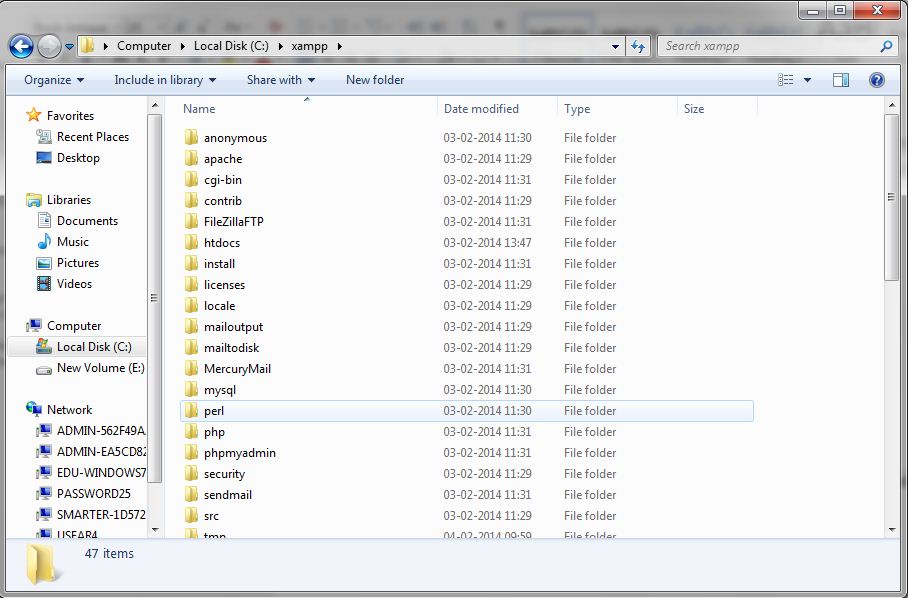
- Install the xampp server , if it is installed already then go to the Xampp folder c:Xampp
- Inside this Xampp folder you will find an htdocs folder
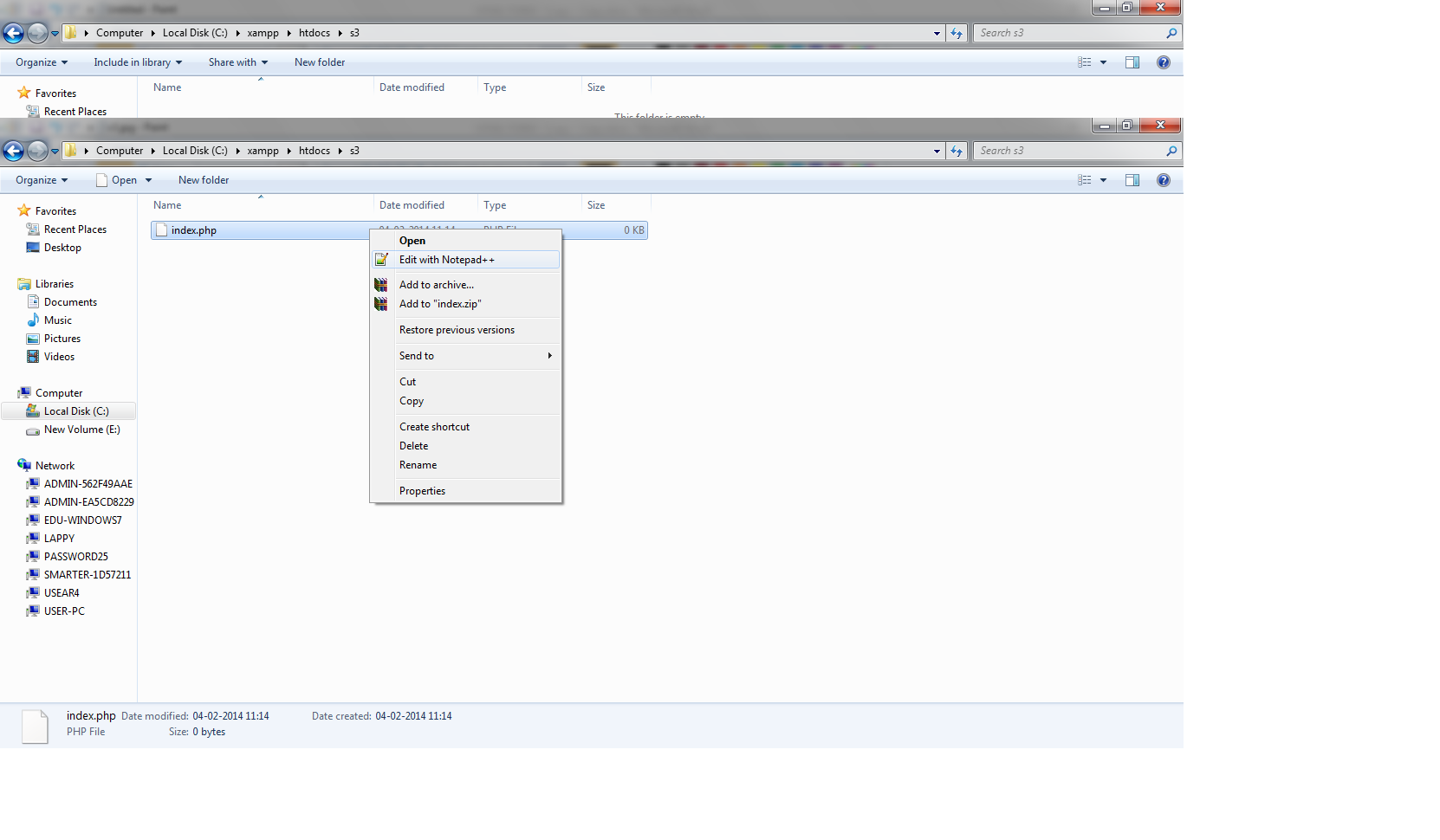
- In this htdocs folder create a new folder say s3.
- In s3 folder create an index.php file and open it with notepad++.
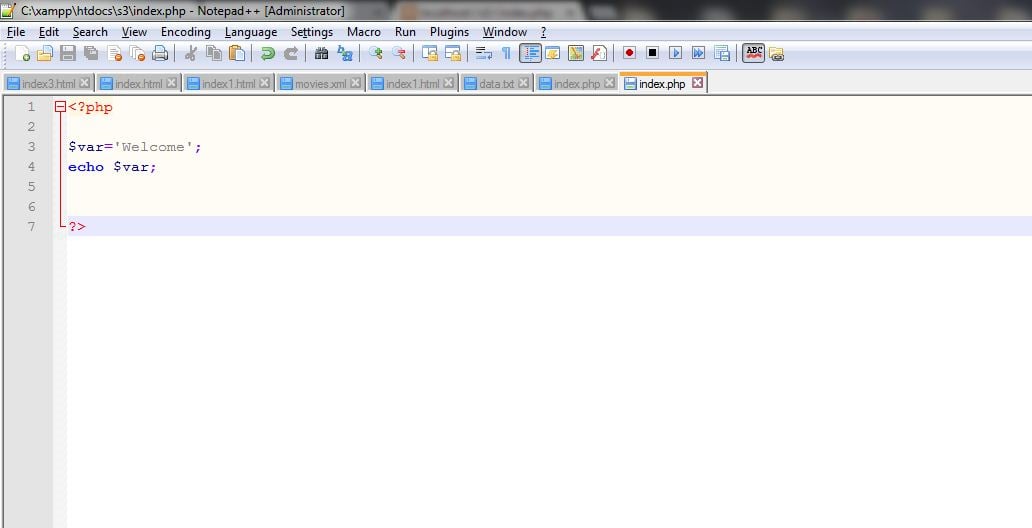
- So now let’s learn to declare a variable , write the following code in index.php file
- You will have the following look of your notepad++ window :
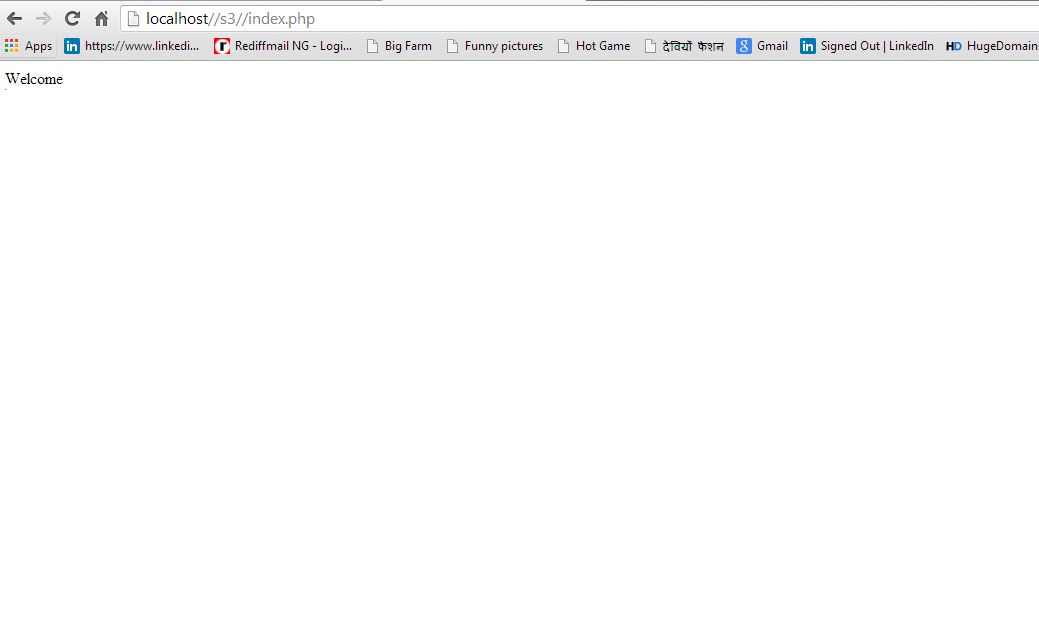
- To run the program , open up the browser and enter the following url in the address bar : http://localhost/s3/index.php
Note: Here s3 is the folder name in the htdoc ,
index.php is the file name inside the s3 folder. - Hence you will have the following output :
- Let’s have an example for concatenation ,so create a new index1.php file and write the following code in it:
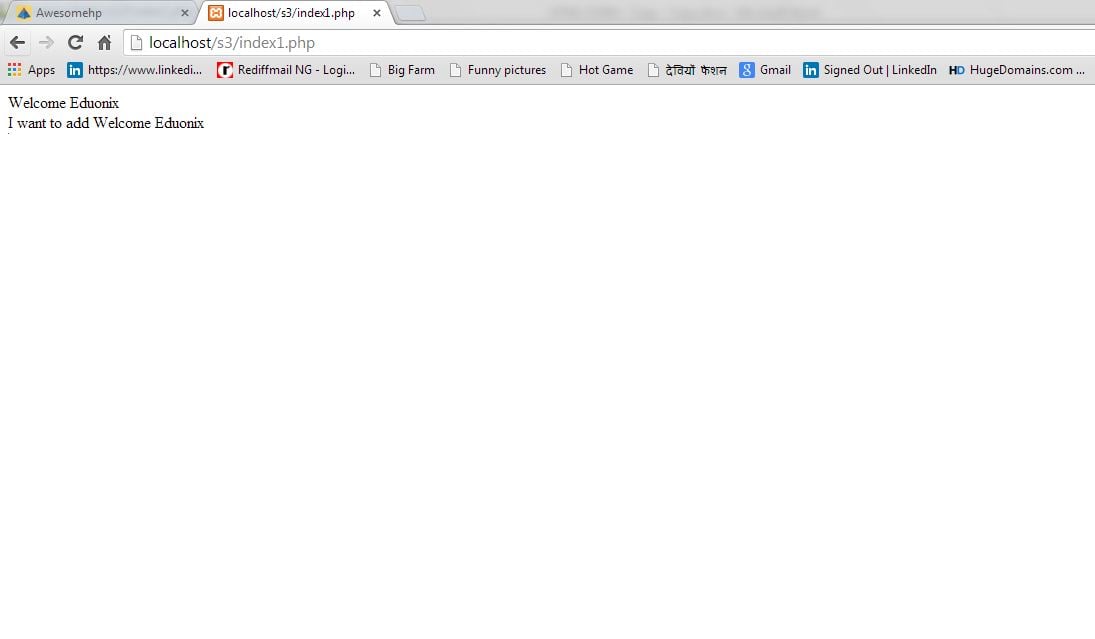
- Now to have the output enter the url in the address bar : http://localhost/s3/index1.php
- Hence you will have the output which will have concatenation implemented in it
- Now lets take an example which will include the implementation of variable and array in php.
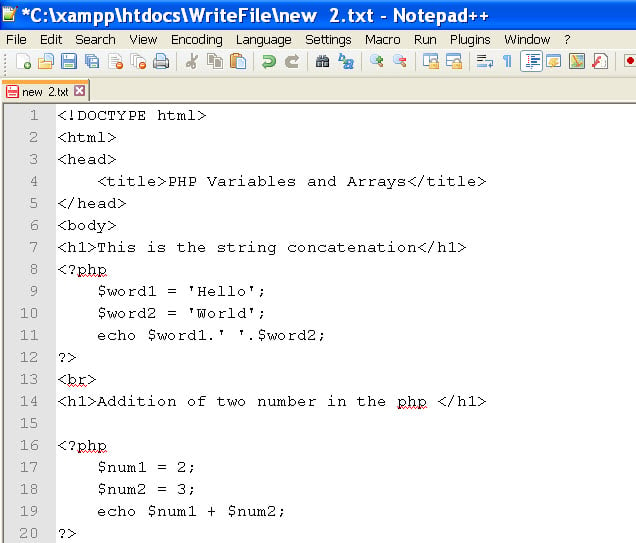
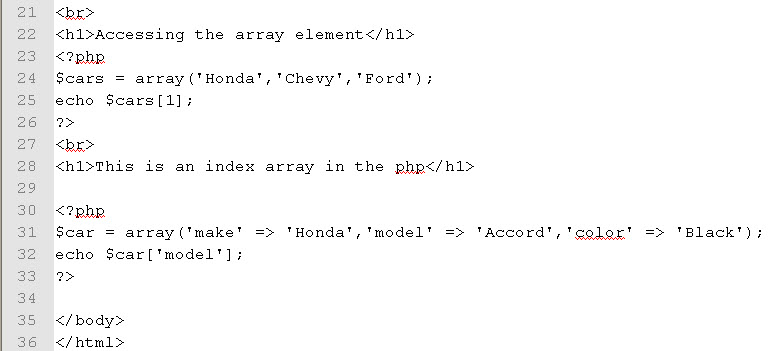
- So in s3 folder create a new file say complete.php and write the following code in it :
- You will have the following view of your notepad++ window :
- Now to run the php program , open up the browser and enter the following url :
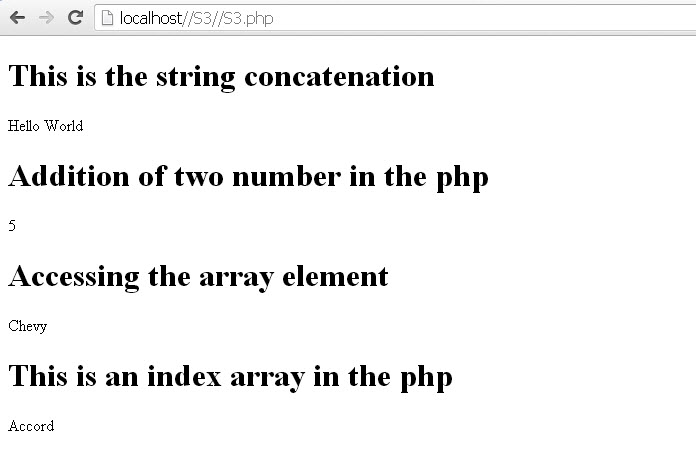
http://localhost/s3/complete.php - Hence you will have the output as shown below :
- Lets code to get the array element using foreach loop.
- So create a new file say foreach.php in s3 folder and write the given code in it :
- Now run the program by entering the address in the browser as http://localhost/s3/foreach.php
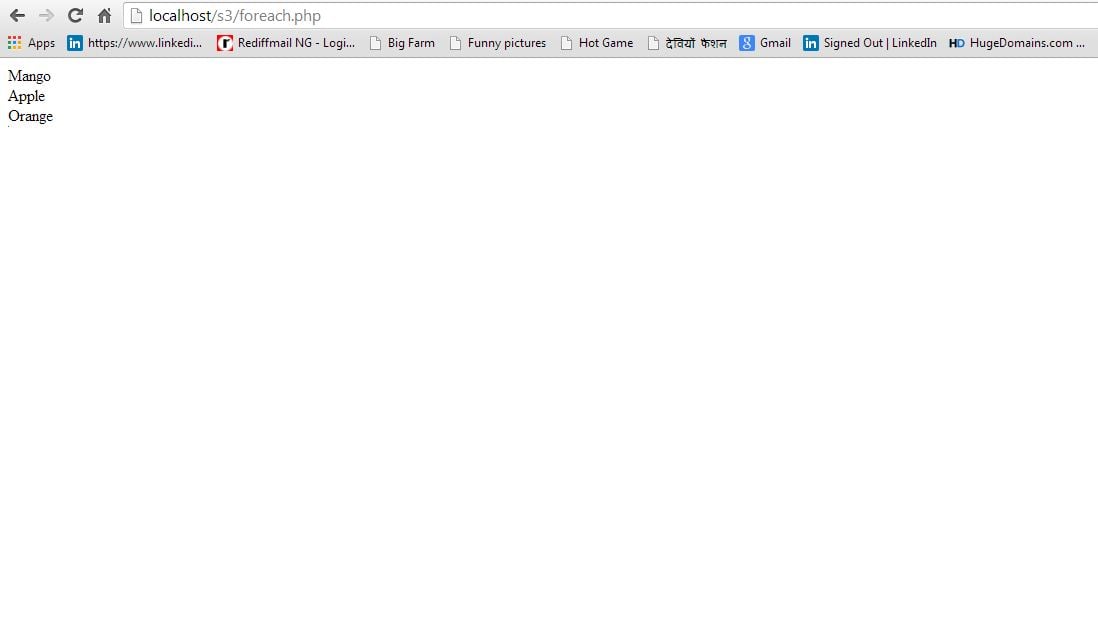
- So you will have the following output :
- Let’s have an example of associative array , so create a new file in s3 folder say associative.php and write the following code in it:-
- Now run the program by entering the address in the browser as http://localhost/s3/associative.php
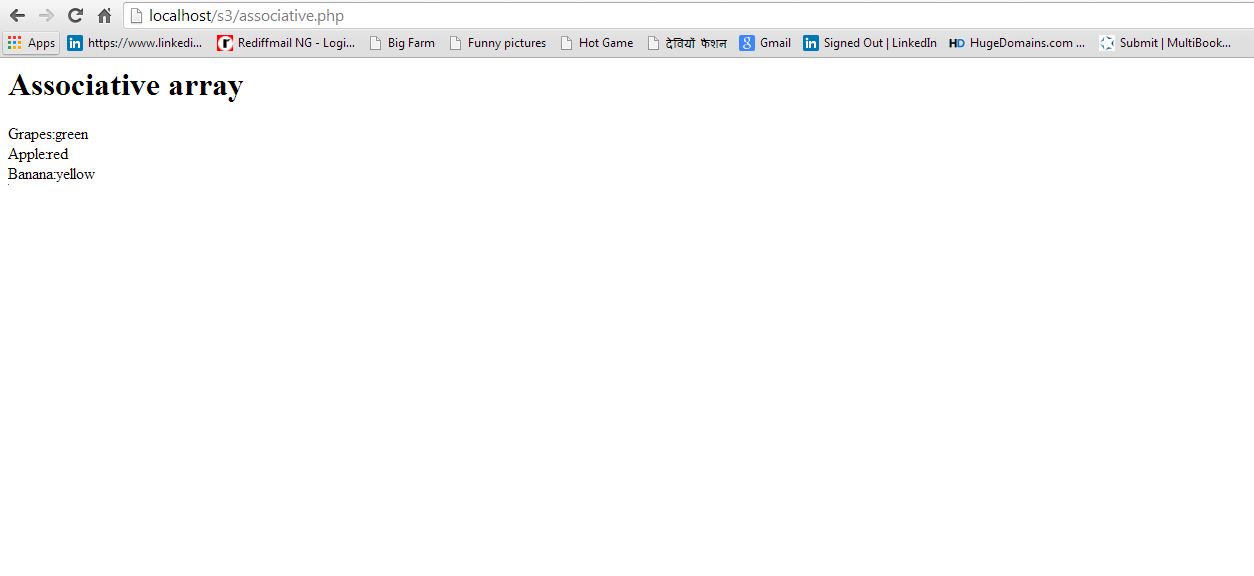
- Hence you will have the following output :
- Thus we had a brief discussion on implementation of variables and arrays in php.

<?php

$var='Welcome';
echo $var;

?>
<?php

$var='Welcome';
$var1='Eduonix';
echo $var.' '.$var1;
echo "<br>";
echo 'I want to add '.$var.' '.$var1;


?>
<!DOCTYPE html>
<html>
<head>
	<title>PHP Variables and Arrays</title>
</head>
<body>
<h1>This is the string concatenation</h1>
<?php
	$word1 = 'Hello';
	$word2 = 'World';
	echo $word1.' '.$word2;
?>
<br>
<h1>Addition of two number in the php </h1>

<?php
	$num1 = 2;
	$num2 = 3;
	echo $num1 + $num2;
?>
<br>
<h1>Accessing the array element</h1>
<?php
$cars = array('Honda','Chevy','Ford');
echo $cars[1];
?>
<br>
<h1>This is an index array in the php</h1>

<?php
$car = array('make' => 'Honda','model' => 'Accord','color' => 'Black');
echo $car['model'];
?>

</body>
</html>
<html>
<head>
</head>
<body>
<?php

$fruit=array('Mango','Apple','Orange');
    foreach($fruit as $myfruit)
	{
	      echo $myfruit;
		  echo '<br />';
	}
?>
</body>
</html>
<html>
<head>
</head>
<body>
<h1>Associative array</h1>
<?php

$fruit=array('grapes'=>'green','apple'=>'red','banana'=>'yellow');
    foreach($fruit as $key=>$value )
	{
	     echo ucwords($key). ':' .$value.'<br />';
	}
?>
</body>
</html>
About the Author