Today we will learn to handle errors using exception handling in this PHP Exceptions tutorial.
- Exception handling was introduced in PHP version 5. It is a new object oriented way of dealing with errors.
- Exceptions are the arbitrary errors that occur in the code which are handled using exception handling.
- It allows the programmer to have more fine control on the code when errors occur in it.
- Exception handling in PHP is similar to the exception handling used in other programming languages.
- There is a class called Exception which is a base class for all pre-defined exceptions. Some of the exceptions are shown below:
- InvalidArgumentException,
- OutOfRangeException,
- OutOfBoundsException,
- RuntimeException, etc.
- Exception handling is carried out using four important keywords:
- try
- throw
- catch
- finally
- try: The code in which you feel that error can occur during execution is called as risky code. This risky code is put in the try block. If the error does not occur, the code executes normally but if the error occurs, an exception is thrown and is catched in the catch block.
- throw: The exception if occurred, is thrown using throw keyword.
- catch: The thrown exception is catched or retrieved in the catch block and it creates an object that contains the exception information.
- finally: Anything written in the finally block executes always. It is not compulsory to use finally block but if used it executes irrespective of the error occurs or not.
- Let us see how a program terminates abruptly without exception handling.
- To demonstrate it, create a new folder with name exceptions in the htdocs folder in xampp folder. Open a new notepad++ document and save it as index.php in the newly created exceptions folder.
- The example code written in index.php page is given below:
<html>
<head>
<title>PHP Exceptions</title>
</head>
<body>
<?php
	$a=10;
	$b=0;
	$c=$a/$b;
	echo "Division of $a by $b is $c";
?>
</body>
</html>

fig 1
- Handling exceptions using try, catch and throw keywords:
- Let us first see the syntax of how to apply the keywords for exception handling.
<?php
	try{
		-
		-
		//risky code
		-
		//if an error occurs
		throw new Exception(“error msg”);
             }
	   catch(Exception object)
	   {
             	//Statement for error message.
             }
	   finally
	   {
    		//Statement to be executed compulsorily
          }
?>
<html>
<head>
<title>PHP Exceptions</title>
</head>
<body>
<?php
	//code with exception handling
	try
	{
	$a=10;
	$b=0;
	if($b<=0)
		throw new Exception("Denominator should not be 0 or less than that.");
	$c=$a/$b;
	echo "Division of $a by $b is $c";
	}
	catch(Exception $e)
	{
		echo 'Error: '.$e->getMessage();
	}

?>
</body>
</html>
echo 'Error: '.$e->getMessage();
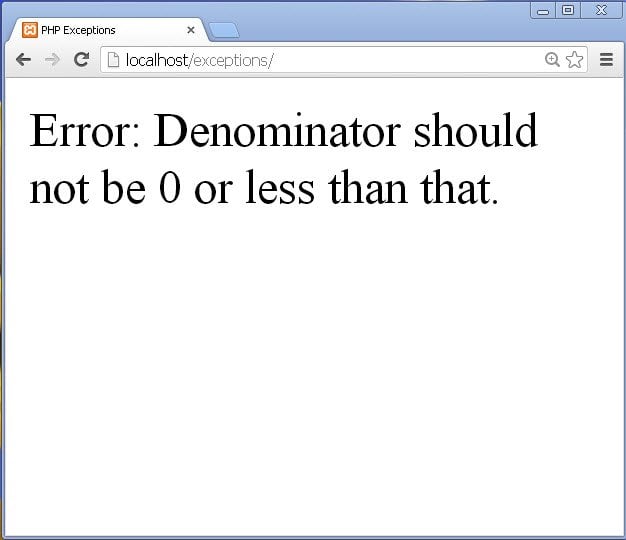
fig 2
- We can handle multiple exceptions in a single program.
- But before handling multiple exceptions it should be kept in mind that the catch blocks that use sub-classes of Exception class to handle exceptions should be placed before the catch block that use base class, Exception to handle the exceptions.
- This is because the base class can handle every exception, thus it will not allow the control to reach the sub- classes if they are used after it.
- Let us see an example. Write the following code in index.php page:
<html>
<head>
<title>PHP Exceptions</title>
</head>
<body>
<?php
	//multiple exceptions handled
	try
	{
		$games=array("Chess","Badminton","Table-Tennis","snake-n-Ladder");

		$length=-10;
		$breadth=-5;

		if($length<0 && $breadth<0)
			throw new InvalidArgumentException("Length and Breadth should have positive values.");

		//area of rectangle
		$area=$length*$breadth;
		echo "Area of rectangle = $area sq units.<br>";

		//array elements
		echo "<strong>Array Elements: <br></strong>";
		for($i=0;$i<5;$i++)
		{
			if($i==4)
				throw new OutOfBoundsException("You are accessing outside the bounds of array.");
			echo $games[$i]."<br>";
		}
	}
	catch(InvalidArgumentException $ie)
	{
		echo $ie->getLine()." : ".$ie->getMessage();
	}
	catch(OutOfBoundsException $oe)
	{
		echo $oe->getLine()." : ".$oe->getMessage();
	}
	catch(Exception $e)
	{
		echo "Error : ".$e->getMessage();
	}

?>
</body>
</html>
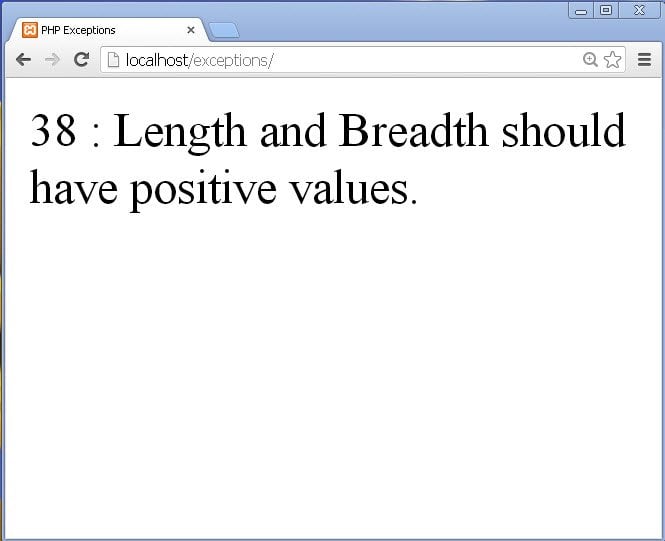
fig 3
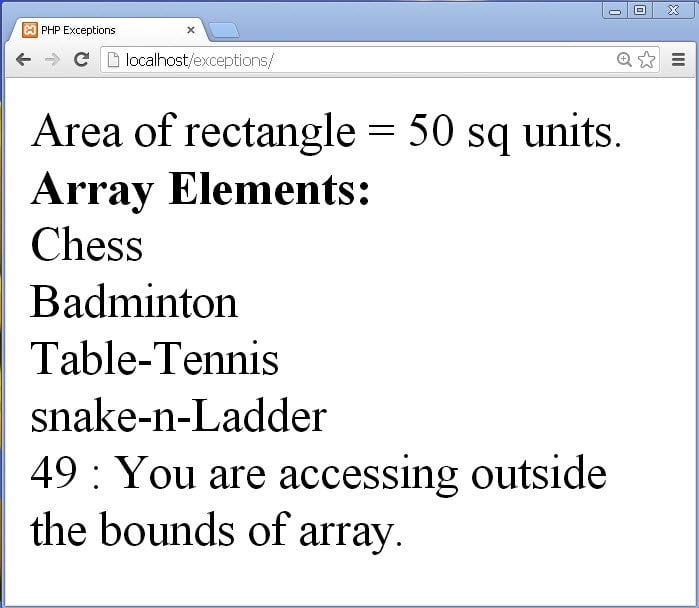
fig 4
- Sometimes there are situations in our program where we need to create our own exceptions and use them; these are called as custom exceptions or user-defined exceptions.
- To create custom exceptions, we need to define a new class that extends Exception class.
- Then this class can contain different methods that handle the exception.
- Let us see an example that demonstrates custom exception.
- Write the following code in index.php file:
<html>
<head>
<title>PHP Exceptions</title>
</head>
<body>
<?php
	class RangeExceededException extends Exception
	{
		public function exceeded()
		{
			echo "Error occurred: ".$this->getLine()." : Number should not exceed value 10.<br>";
		}
	}

	class NegativeNumberException extends Exception
	{
		public function negative()
		{
			echo "Error occurred: ".$this->getLine()." : Number cannot be negative.<br>";
		}
	}
	try
	{
	$x=7;

		if($x>10)
			throw new RangeExceededException();
		else
		if($x<0)
			throw new NegativeNumberException();
		else
		{
			$y=$x*$x;
			echo "Square of $x = $y";
		}
	}
	catch(RangeExceededException $re)
	{
		echo $re->exceeded();
	}
	catch(NegativeNumberException $ne)
	{
		echo $ne->negative();
	}
	catch(Exception $e)
	{
		echo $e->getMessage();
	}
?>
</body>
</html>
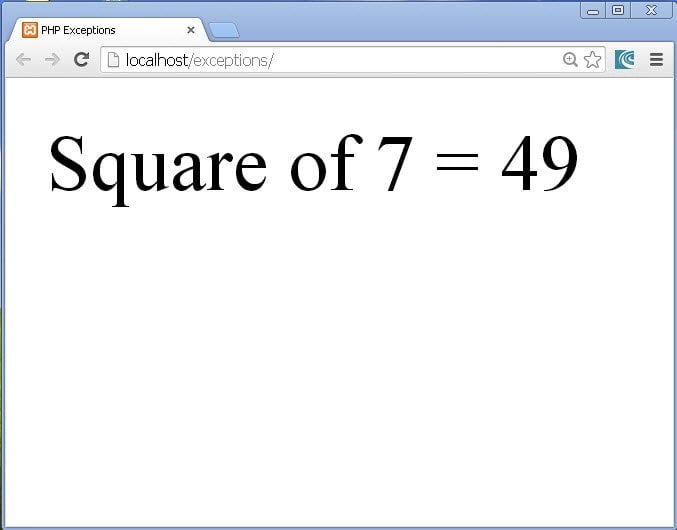
fig 5
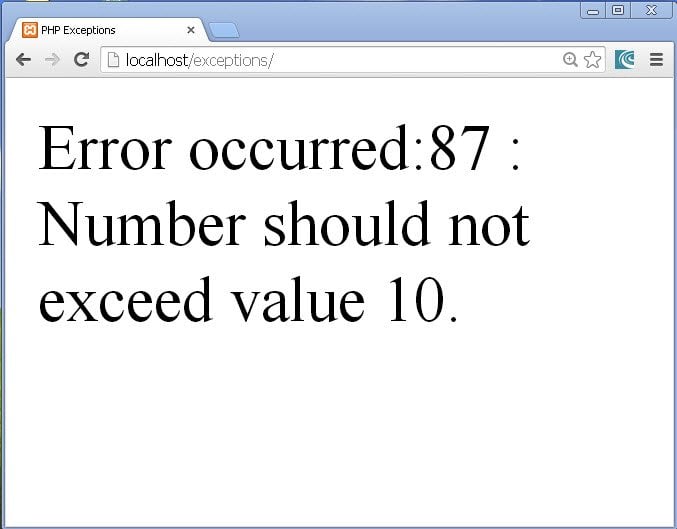
fig 6
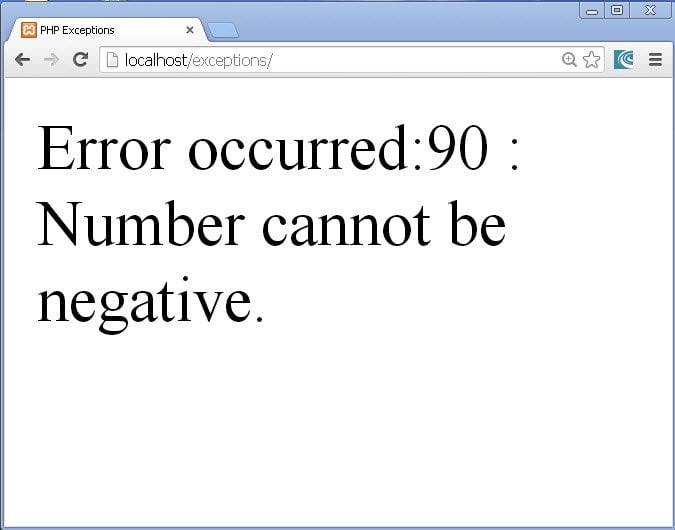
fig 7
- The finally block is the most important concept in exception handling.
- This block when used with try-catch blocks, it allows us to execute the statements written in it always.
- I mean that the statements written in finally block are executed compulsorily, whatever may happen i.e. it will execute even if a error occurs and it will execute even if the program runs normally.
- Finally block begins with the word finally followed by opening and closing curly braces.
- If exception handling is used in a function along with finally block and some value is returned from the function using a return statement, even then the finally block will be executed.
- This finally block should be used in those programs where you want certain statements to be executed always, inspite of the occurrence of error.
- Let us have an example to demonstrate a finally block.
<html>
<head>
<title>PHP Exceptions</title>
</head>
<body>
<?php
	try
	{
		echo "This is a risky code.<br>";
		throw new Exception("Something went wrong!");

	}
	catch(Exception $r)
	{
		echo $r->getMessage();
	}
	finally
	{
		echo "<br>Welcome to PHP.<br> finally block executes always.";

}

?>
</body>
</html>
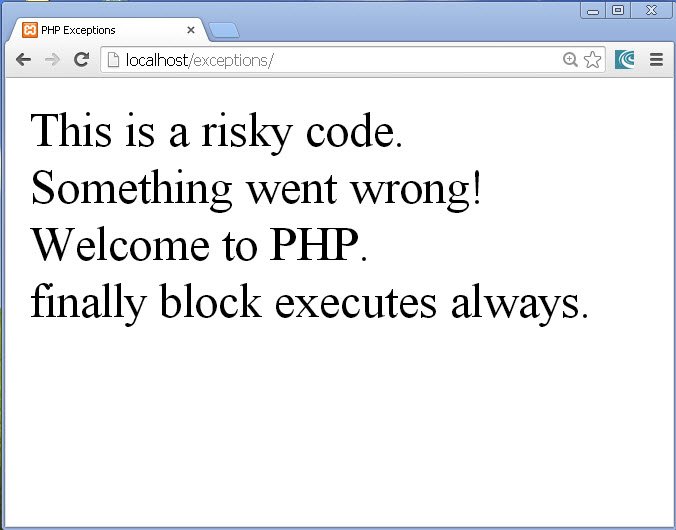
fig 8
Thus we studied the use and importance of exception handling in this PHP Exceptions tutorial.
About the Author